Discover the Best Backup Methods for Your Data
Protect your valuable files by choosing the right backup strategy. From local drives to cloud storage and hybrid approaches, find simple and secure solutions tailored to your needs.

Common Backup Methods Explained
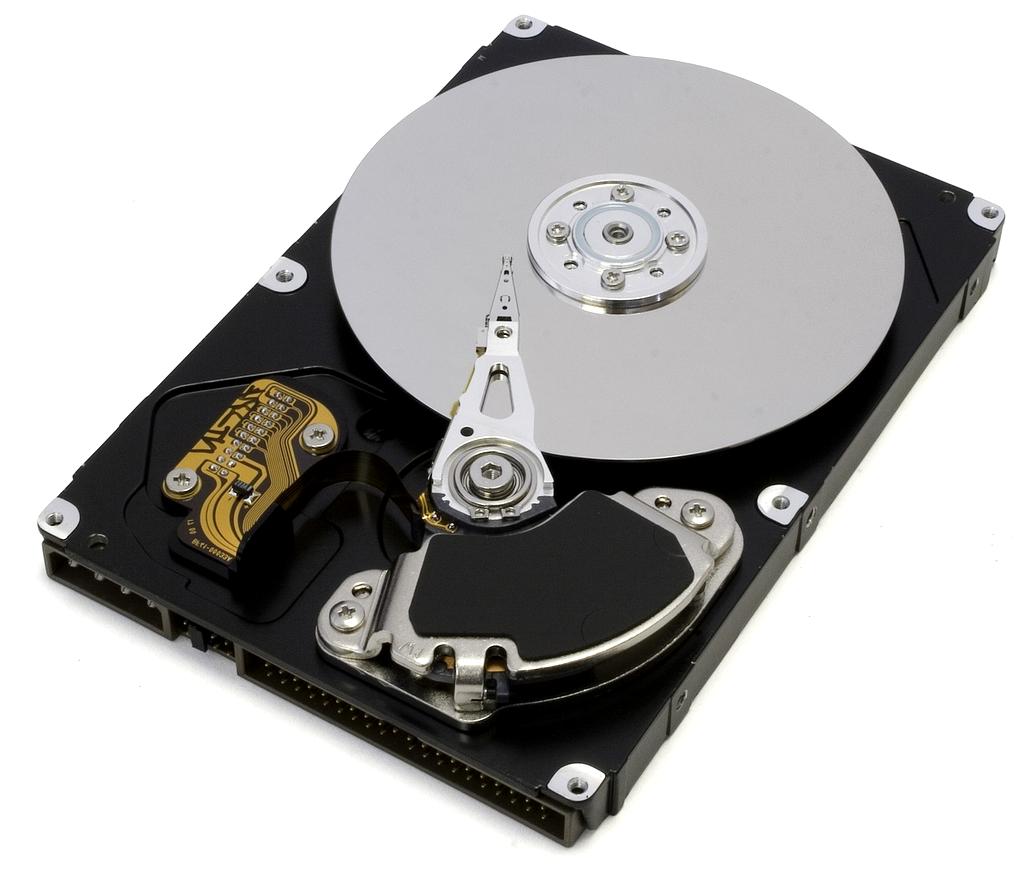
Local Backup (External Drive)
Using external hard drives or USB sticks is a straightforward way to back up your data. Simply copy your important files manually or use backup software. This method offers quick access but requires physical security and regular updates.

Cloud Backup
Cloud backup services automatically store your files on remote servers accessible via internet. They provide protection against physical damage to your devices and offer convenient access from anywhere. Subscription fees may apply.
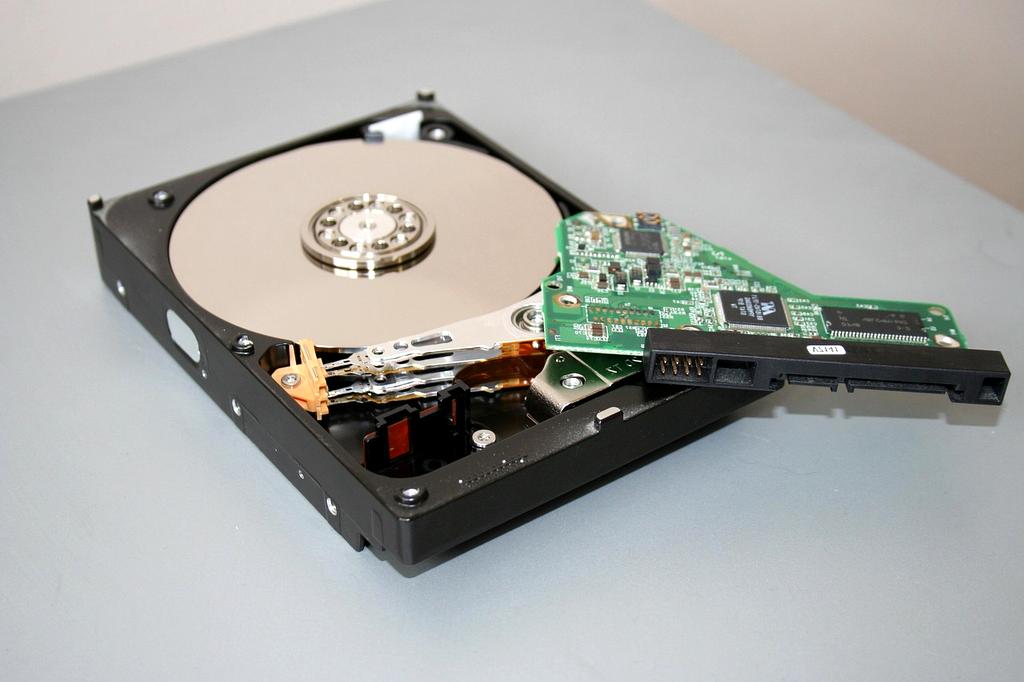
Automated Backup Solutions
Setting up backup software automates regular backup tasks for both local and cloud storage. Scheduling backups reduces the risk of human error and ensures your data is consistently protected without manual intervention.
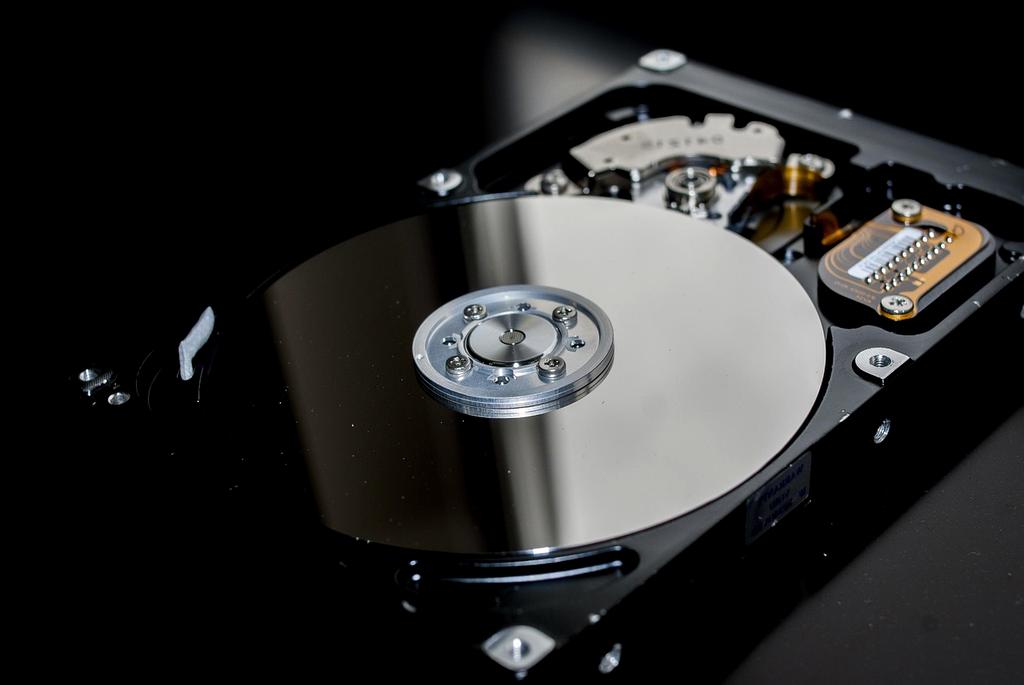
Hybrid Backup
Hybrid backup combines local storage and cloud solutions for enhanced protection. This method ensures fast recovery from local copies and adds extra security via remote backup, minimizing risks from ransomware and hardware failure.
Tips for Effective Backups
- Regularly schedule backups: Consistency is key to avoid data loss.
- Keep multiple copies: Store backups in different physical locations.
- Test recovery: Verify backup files can be restored successfully.
- Use encryption: Protect sensitive data during transfer and storage.
- Update backup methods: Adapt to new technologies and threats.
Start Your Backup Journey
Get personalized backup recommendations tailored to your specific needs. Our experts will contact you within 24 hours.

Expert Consultation
Get advice from certified backup specialists
Custom Strategy
Receive a personalized backup plan

Full Setup Support
Complete implementation assistance included